

Make Telegram stickers from photos
The StiGirl Sticker Studio turns your photo into a Telegram sticker in a few taps: it removes the background, adds a white outline around the cutout and drops the sticker straight into your Telegram pack. Everything happens inside Telegram itself, and making stickers is free.

How does it work?
Open the @StiGirlBot bot in Telegram and tap Start.
Tap the open-app button and choose Sticker Studio.
Pick a photo, crop it and erase the background with one tap.
Add an outline, text or emoji and tap Make sticker.
Tap Add to Telegram and the sticker lands in your own pack.
Specs
- Output size
- 512 × 512 pixels, the Telegram sticker standard
- Shape
- Freeform, circle or rounded square
- Background removal
- Plain (solid color), subject, and Smart for people photos — plus eraser and restore
- Stickers per pack
- Up to 120 stickers
- Animated stickers
- From a GIF or video, up to 3 seconds; 5ST, free with Premium
- Cost
- Free; every sticker earns 1ST as a gift (up to 10ST per day)
Step-by-step guide with screenshots
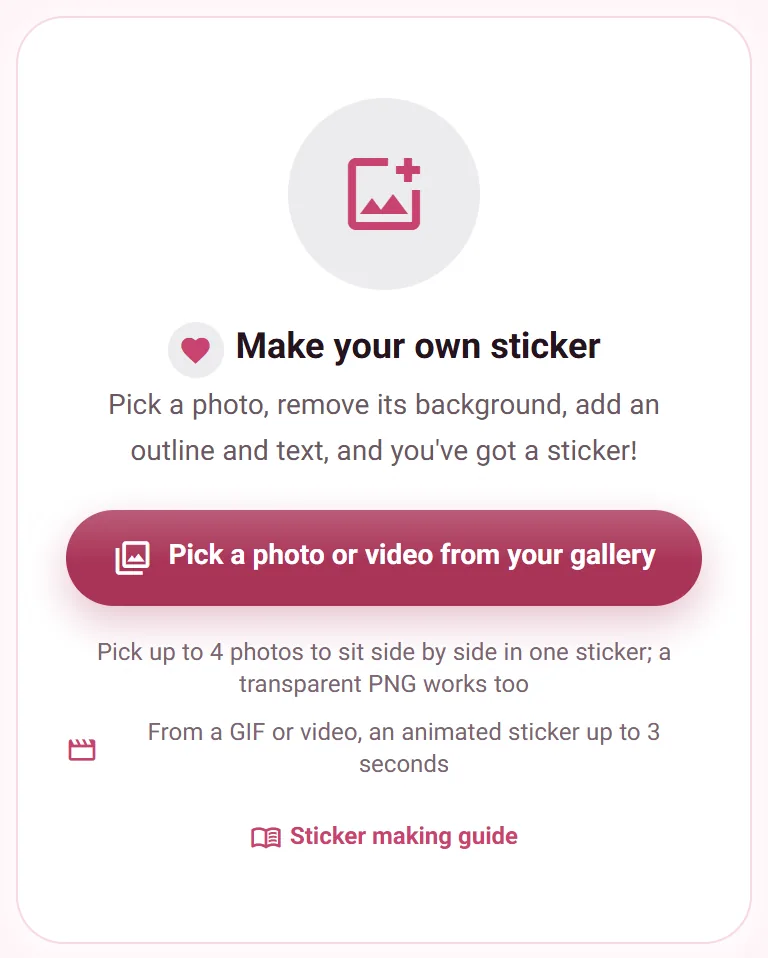
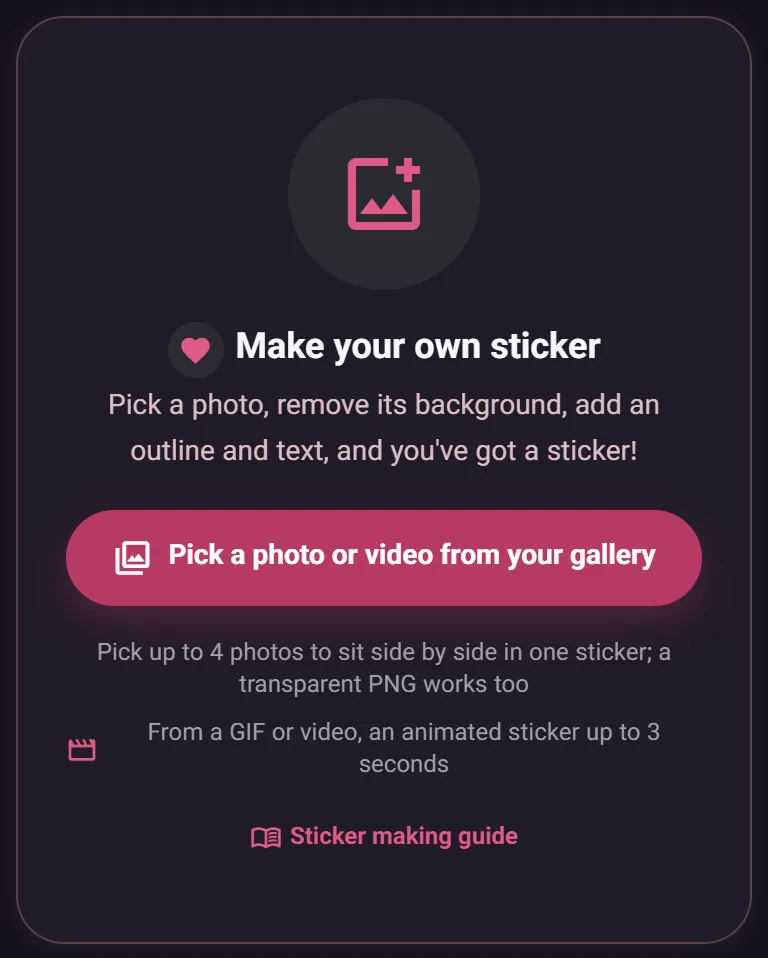
In Sticker Studio, tap “Pick a photo or video from your gallery”. Choose up to 4 photos at once to place side by side in one sticker; transparent PNGs are welcome too.
Use “Crop” to pick the sticker's shape (freeform, circle or rounded square) and move, enlarge or shrink the photo with two fingers.
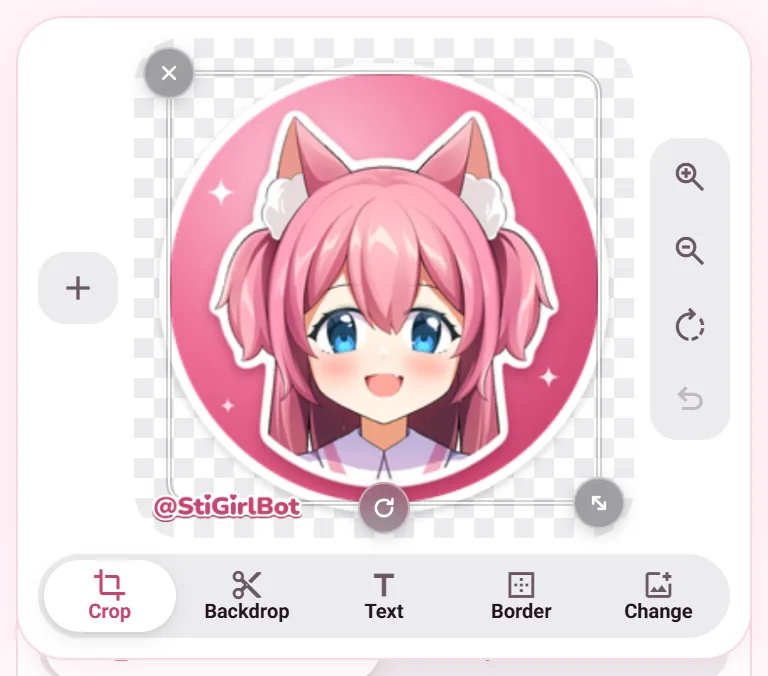
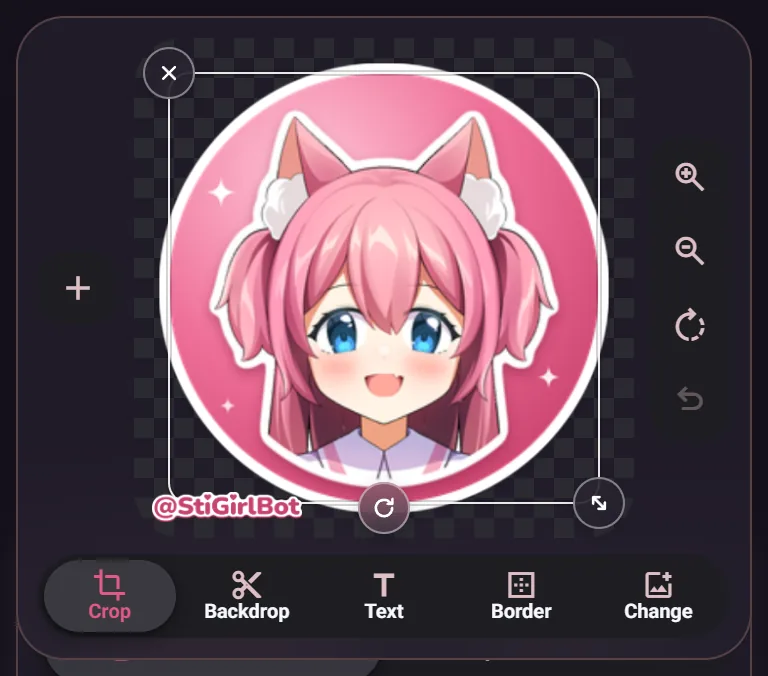
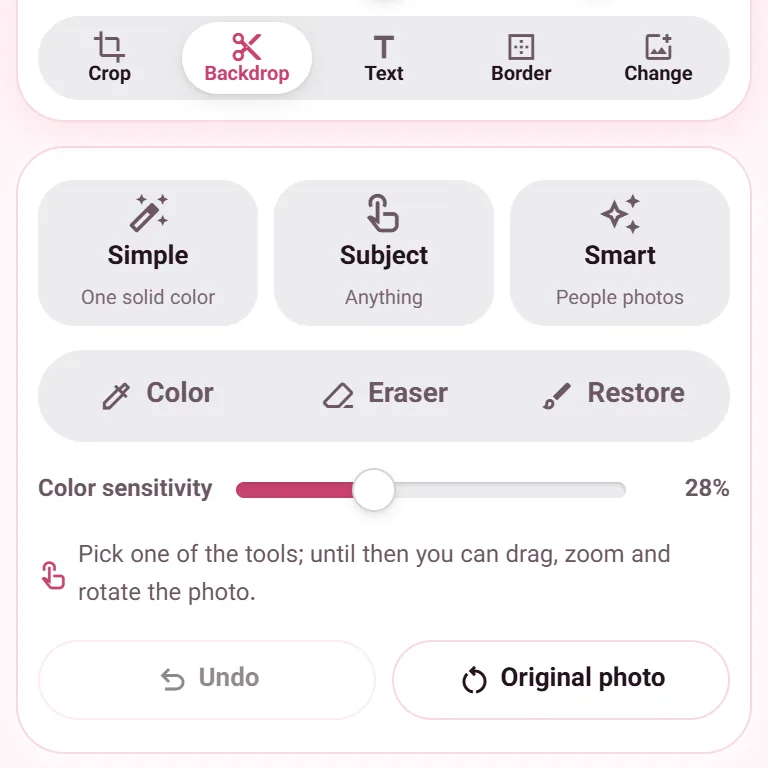
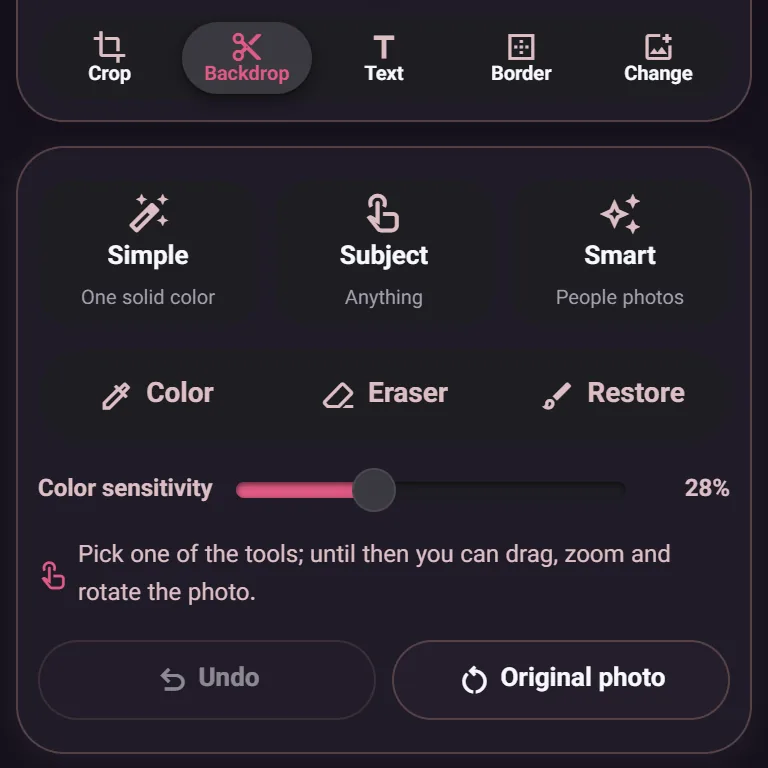
In “Backdrop”, pick “Plain” (solid color), “Subject” (anything) or “Smart” (people photos); then fix the details with the “Eraser” and “Restore”.
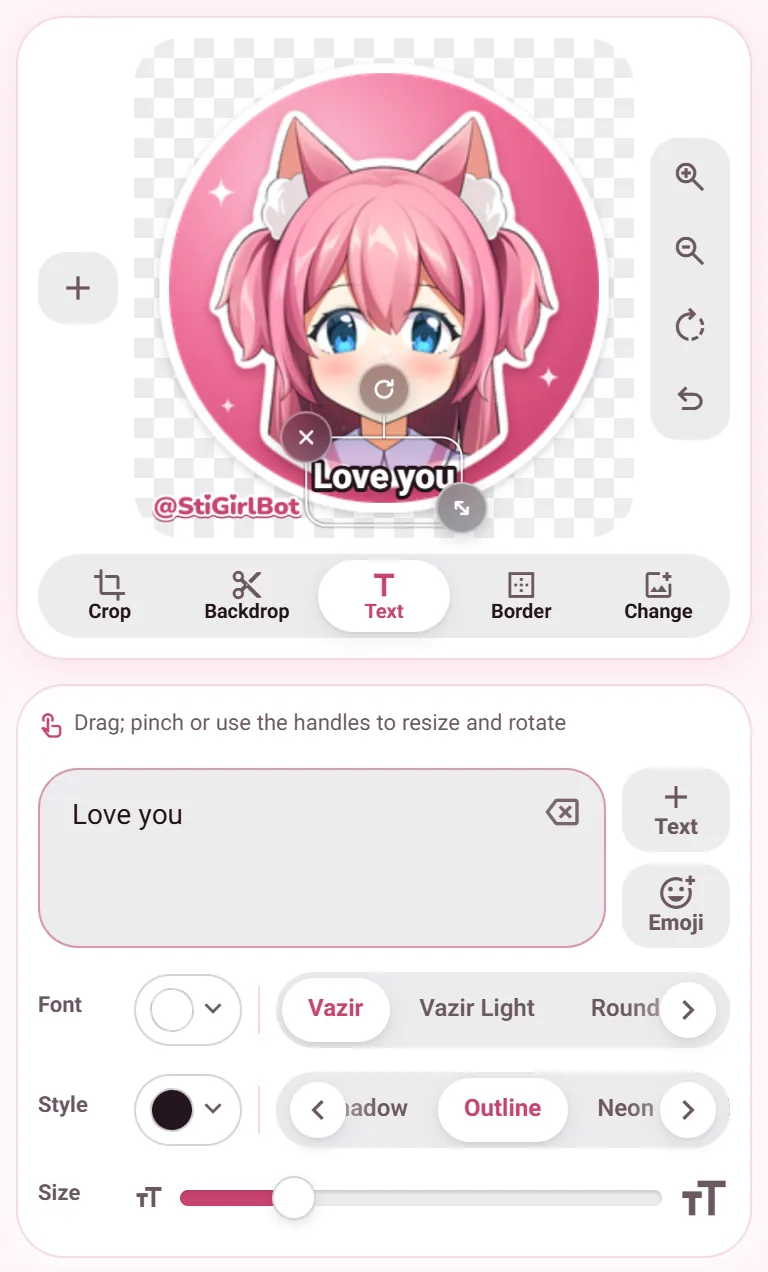
Add text and emoji with “Text”, and draw a white or colored outline around it with “Border”.
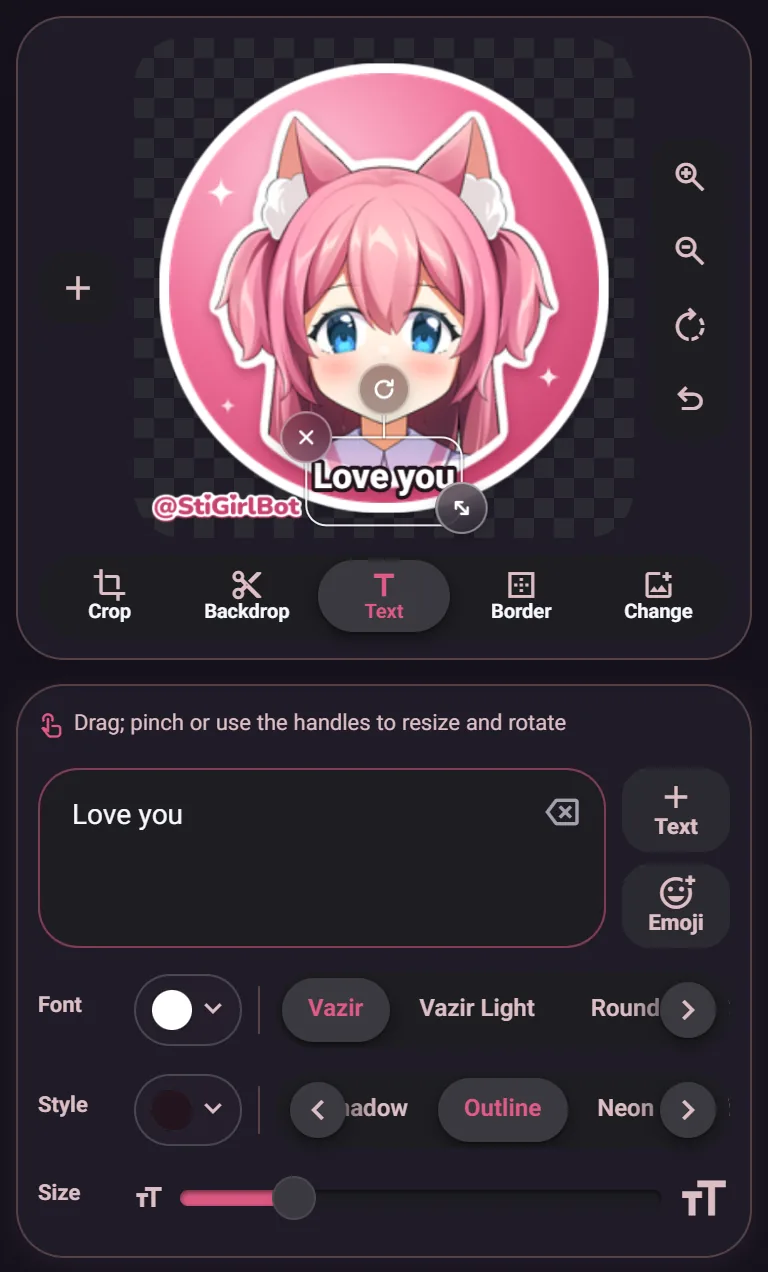
Tap “Make sticker”, then “Add to Telegram”; the sticker goes into your pack and the pack opens in Telegram.
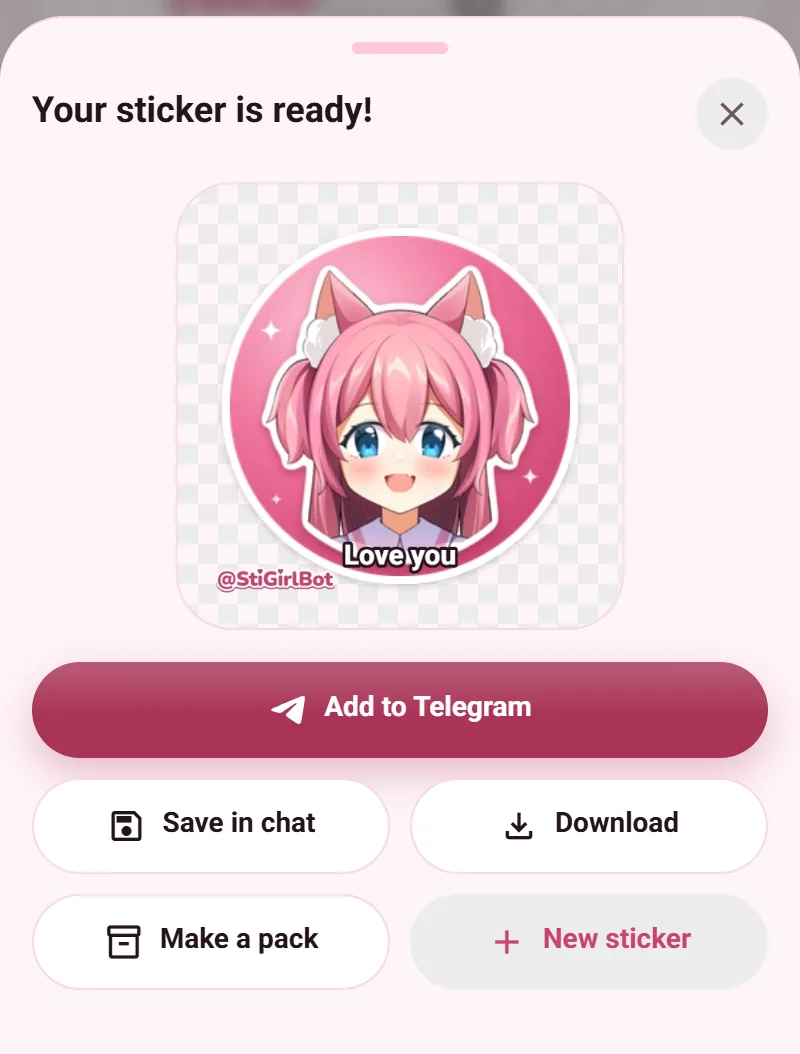
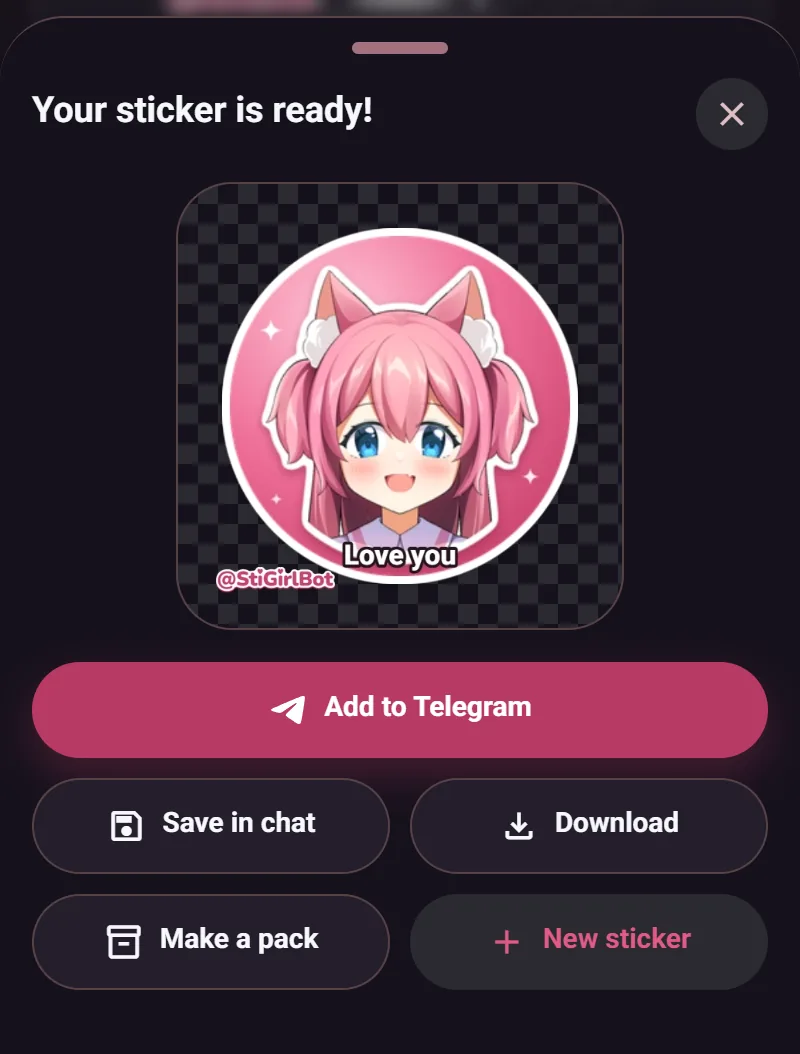
Pick a GIF or video instead of a photo to make an animated sticker up to 3 seconds long (5ST).
Tutorials
How to Make a Telegram Video Sticker From a GIF or Video
Turn a GIF or video into a Telegram video sticker — the 3-second WEBM rules, the easy way inside Telegram, and what the free version really costs.
Telegram Sticker Size: Dimensions, Formats and File Limits
The exact 512 px rules for Telegram stickers — static PNG/WEBP, animated TGS, video WEBM — from Telegram's own docs, checked November 19, 2026.
How to Make a Telegram Sticker From a Photo
Turn any photo into a Telegram sticker in seconds — no app install needed. StiGirl removes the background for you, adds text, and sends it to your pack.
How to Make a Telegram Sticker Pack (the Easy Way)
Build a Telegram sticker pack from your own photos — steps for the @Stickers bot and the in-app editor, plus the pack limit and StiGirl's shortcut.
How to Make Custom Emoji in Telegram — and What Premium Does
Build your own Telegram custom emoji packs — from your stickers or a Telegram pack, in one flow. Plus the Premium rule and StiGirl's shortcut.
Common questions
How do I add my sticker to Telegram?
After the sticker is made, tap “Add to Telegram”. The sticker goes into your personal pack and the pack's install link opens.
How does background removal work?
In the “Backdrop” tool, pick “Plain” (solid color), “Subject” (anything) or “Smart” (people photos); then fix the details with the “Eraser” and “Restore”. Transparent PNG photos are supported directly too.
Why do I need to start the bot?
Telegram only lets users who have started the bot send it messages and GIFs and build sticker packs.
More StiGirl tools
StiGirl channel
Be first to see new packs, tips and news. Join the StiGirl channel and get a one-time gift of 5ST.