

How to use StiGirl
This is the same guide you find inside the StiGirl app: each topic step by step, with real screenshots.
Nothing found. Ask support inside the bot. Contact support
Getting started
The bottom menu, the bot and ST points
Use the bottom menu to move between Home, Fancy text, Sticker Studio, GIF Studio and Profile.
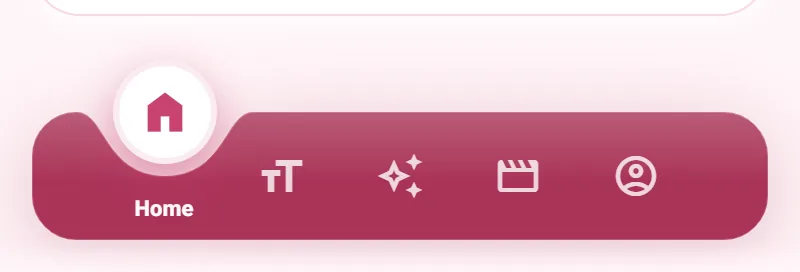
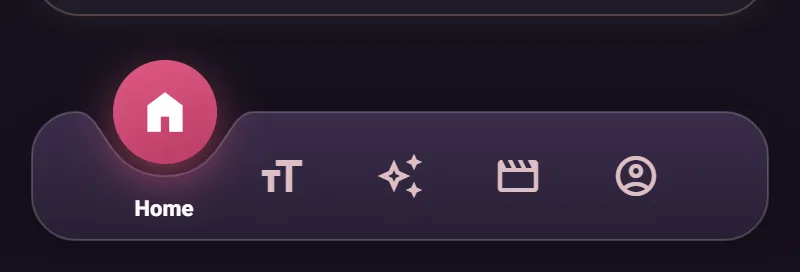
Start the @StiGirlBot bot once in Telegram; Telegram only lets users who have started the bot send stickers, GIFs and messages.
The coin at the top of the screen is your ST balance; it grows as you make stickers.
Making stickers
From photo to Telegram pack
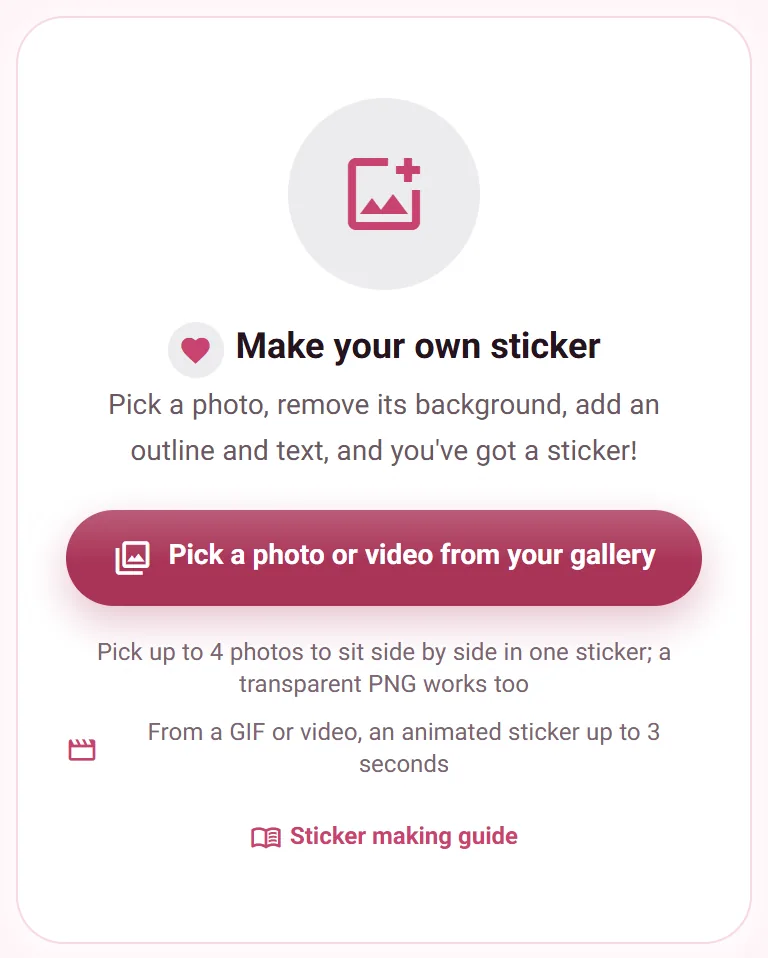
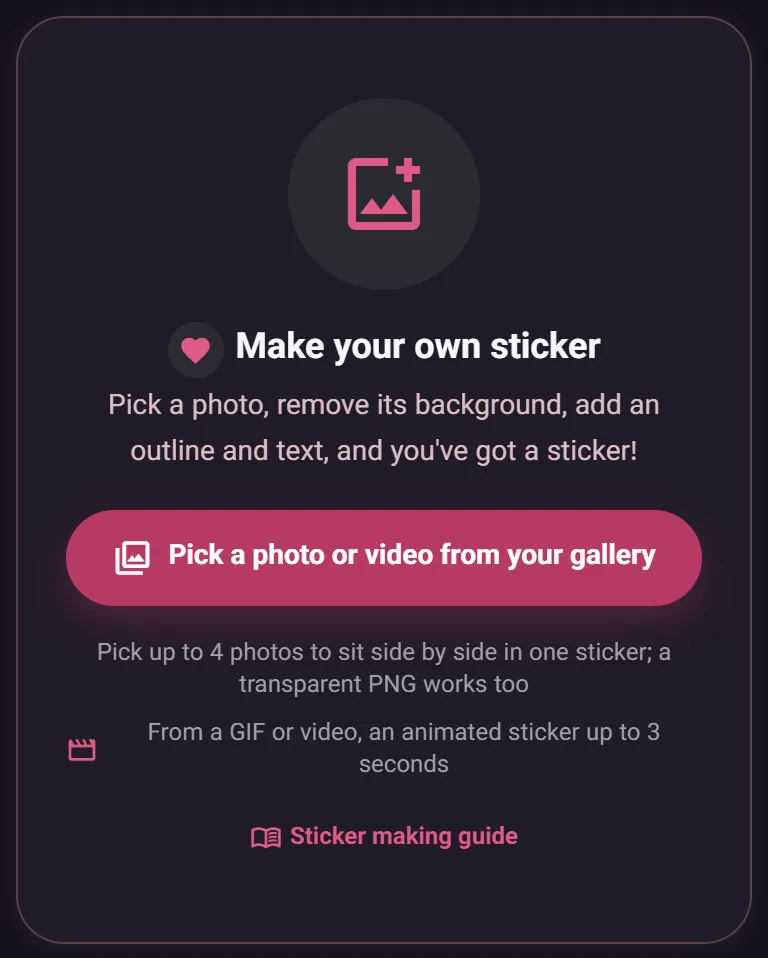
In Sticker Studio, tap “Pick a photo or video from your gallery”. Choose up to 4 photos at once to place side by side in one sticker; transparent PNGs are welcome too.
Use “Crop” to pick the sticker's shape (freeform, circle or rounded square) and move, enlarge or shrink the photo with two fingers.
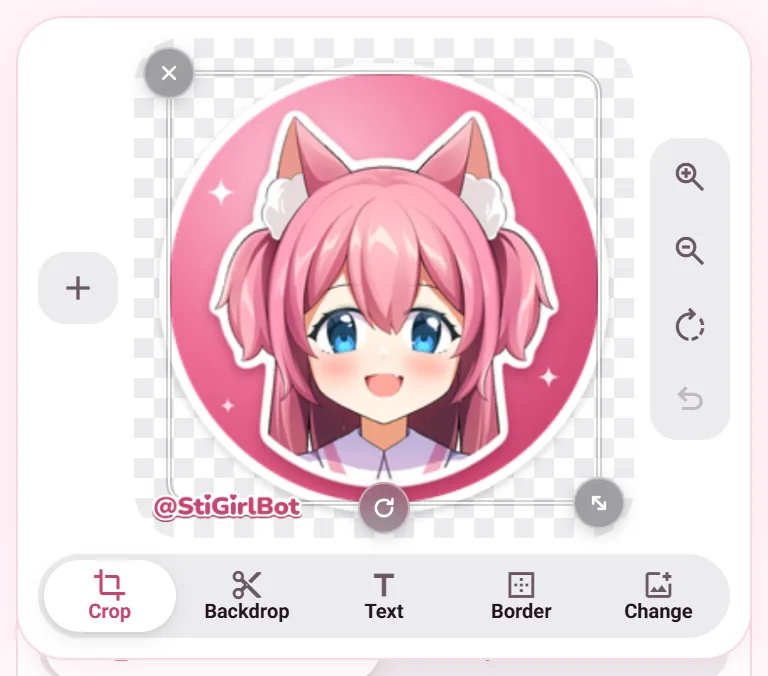
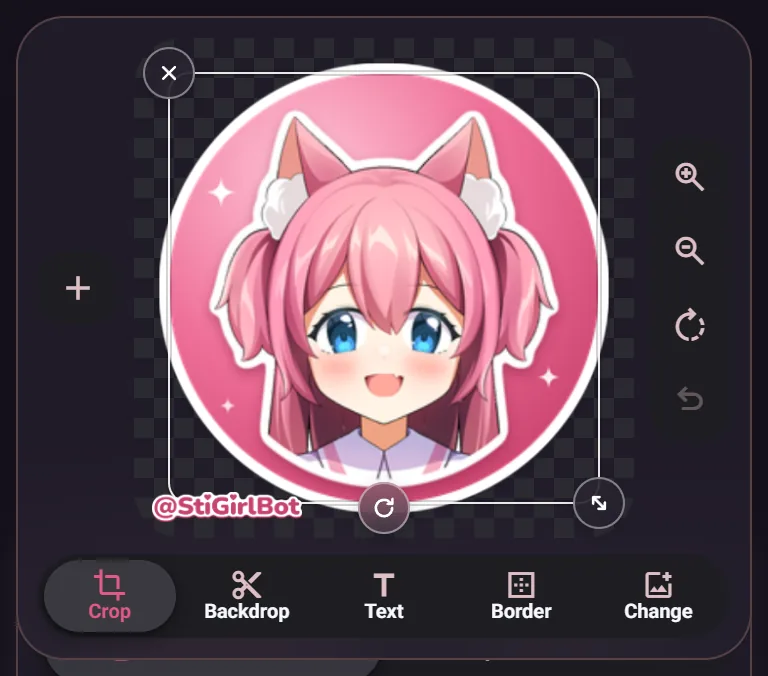
In “Backdrop”, pick “Plain” (solid color), “Subject” (anything) or “Smart” (people photos); then fix the details with the “Eraser” and “Restore”.
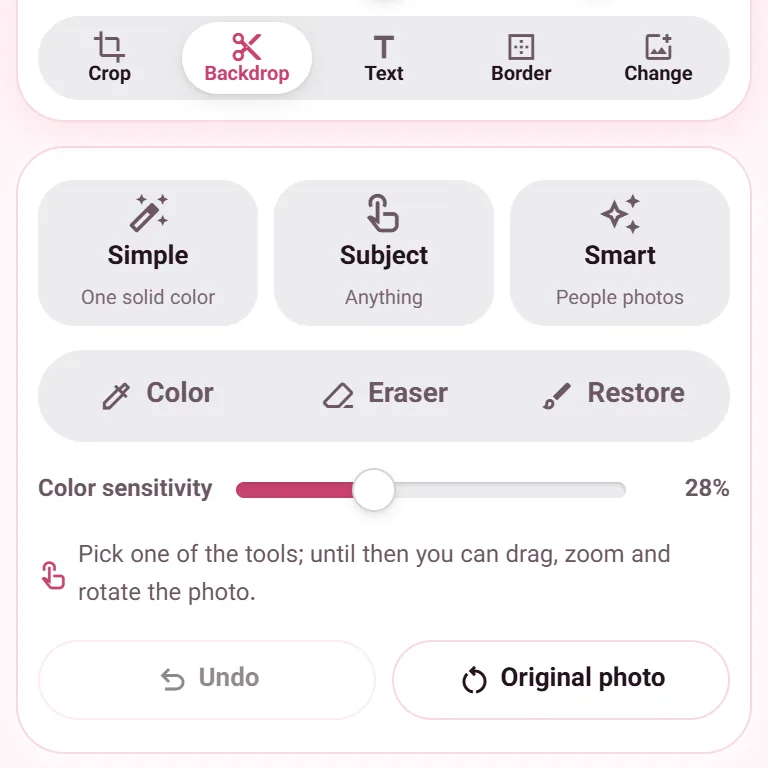
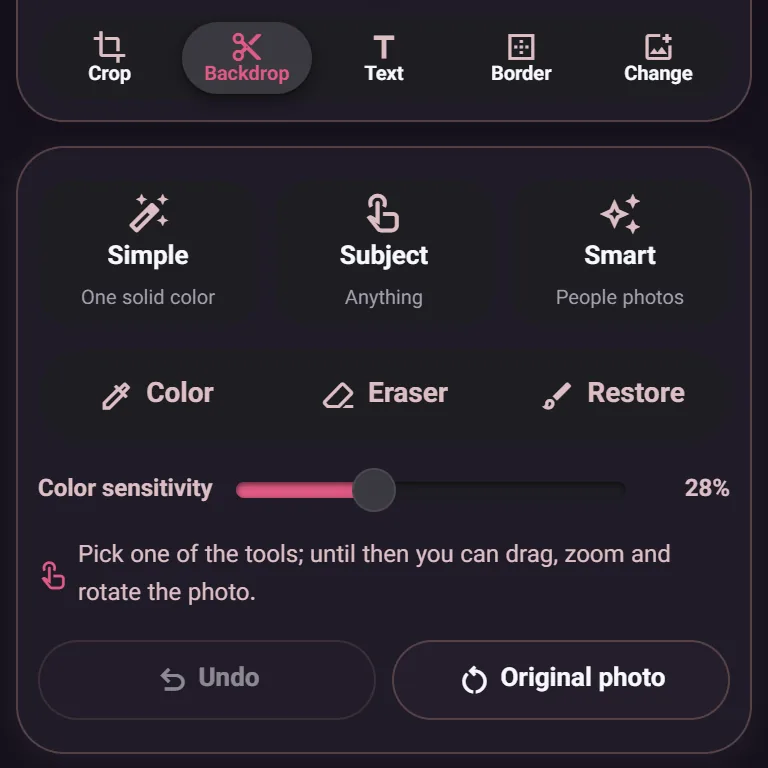
Add text and emoji with “Text”, and draw a white or colored outline around it with “Border”.
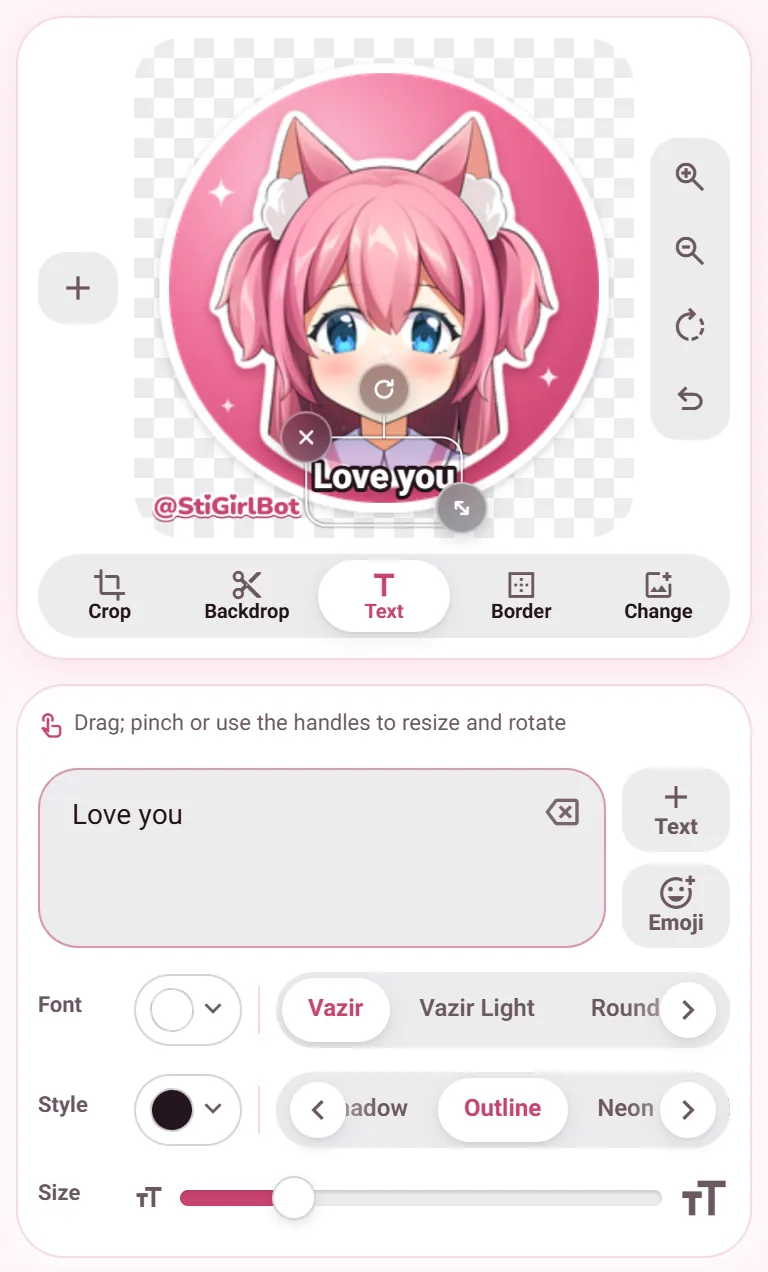
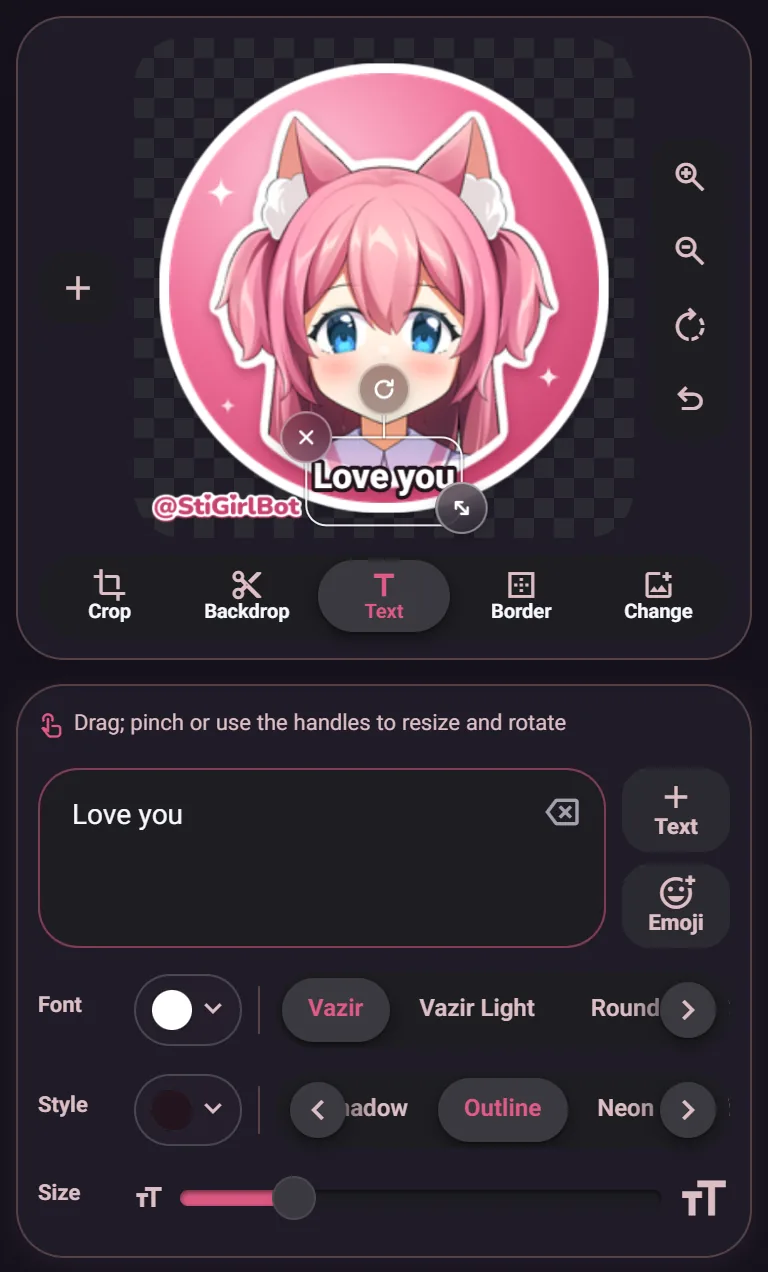
Tap “Make sticker”, then “Add to Telegram”; the sticker goes into your pack and the pack opens in Telegram.
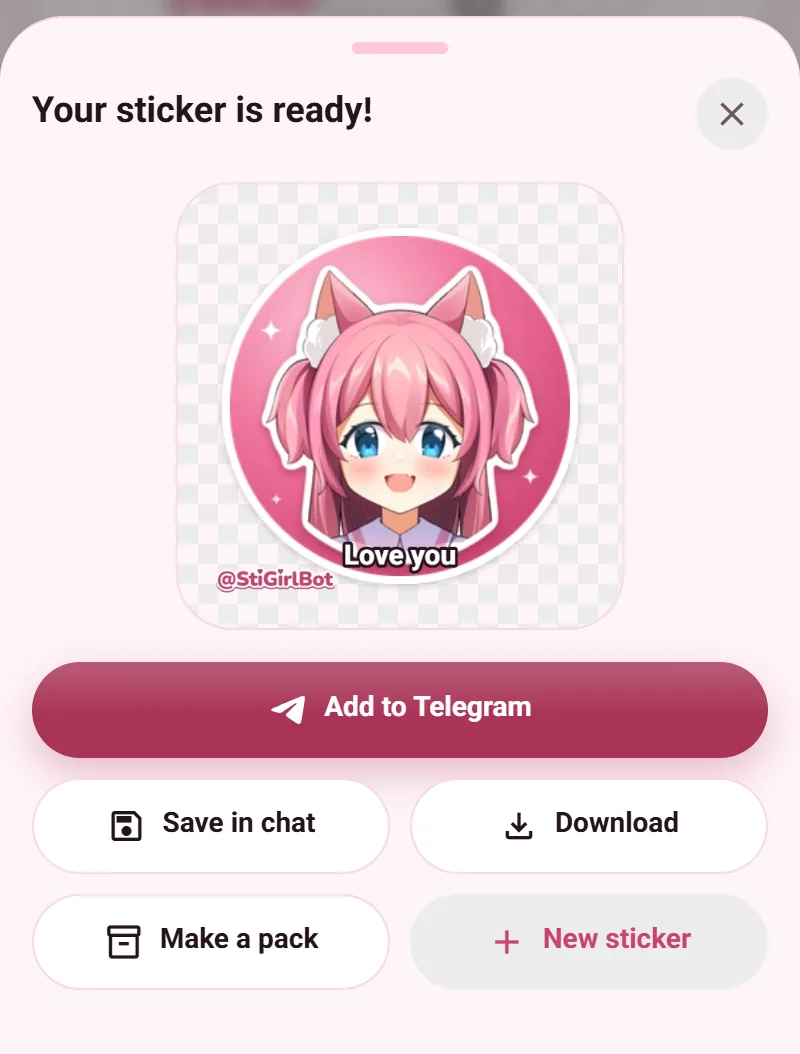
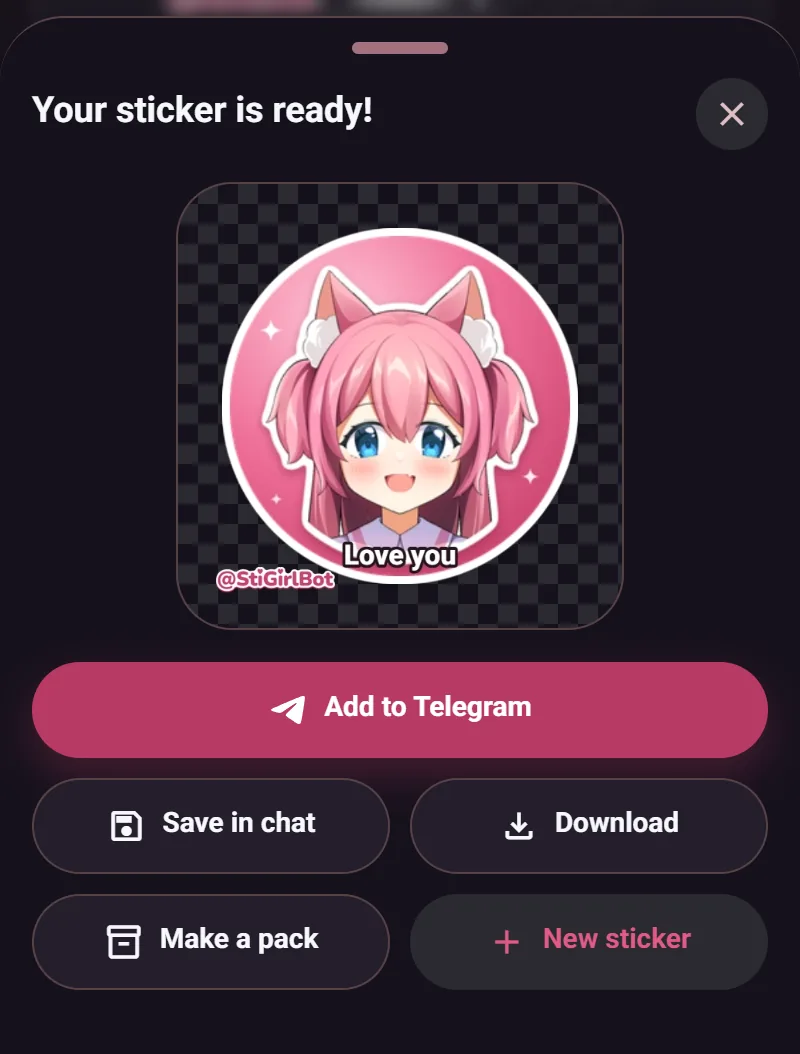
Pick a GIF or video instead of a photo to make an animated sticker up to 3 seconds long (5ST).
Making GIFs
Video to GIF with text, 1 to 6 seconds
In GIF Studio, tap “Choose a video from your gallery”, or send the video to the @StiGirlBot bot and it shows up right there.
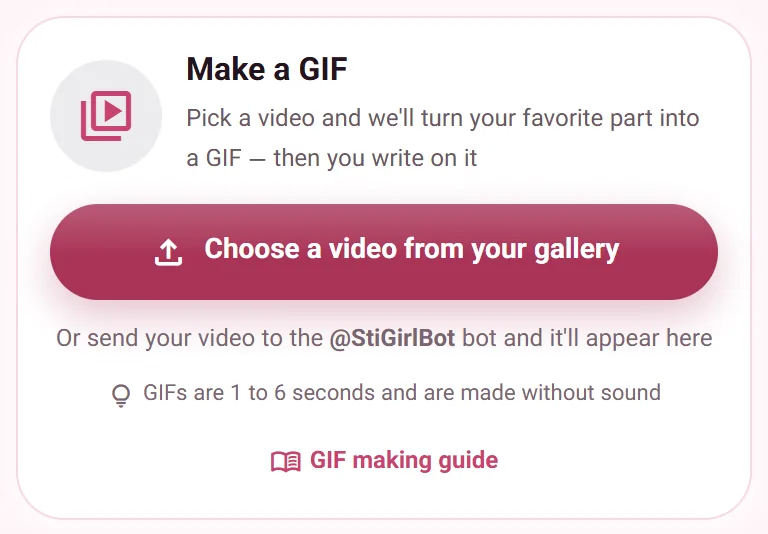
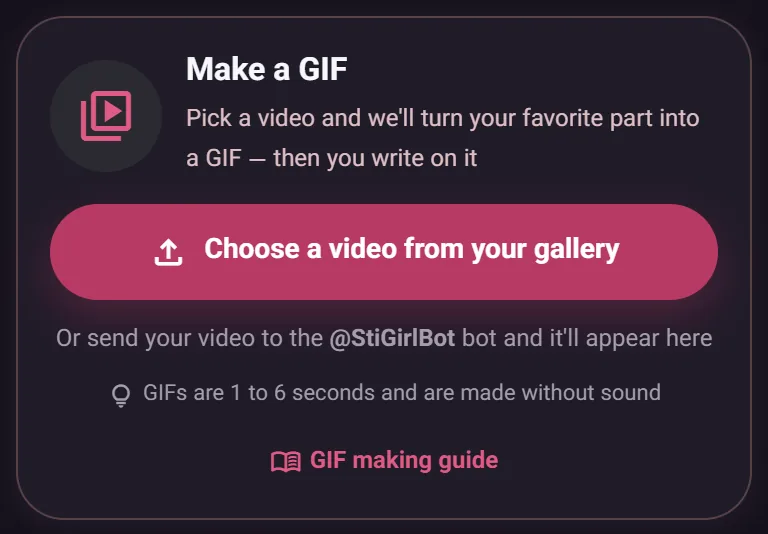
Use “Trim” to cut out the 1 to 6 second piece; the GIF is made without sound.
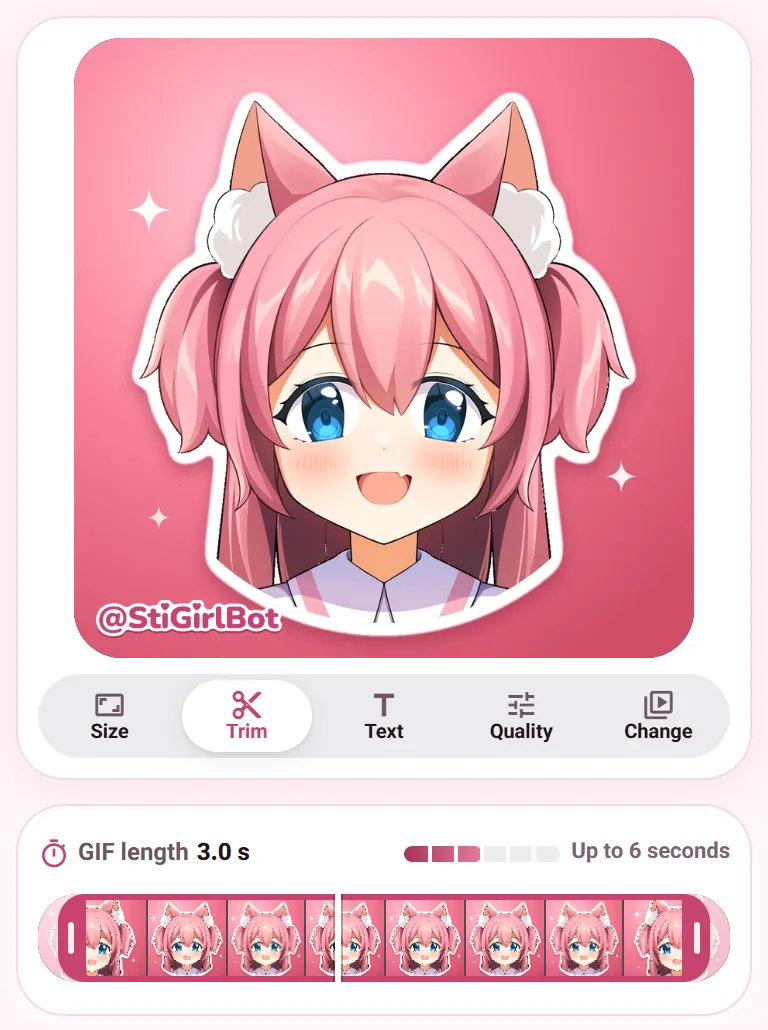
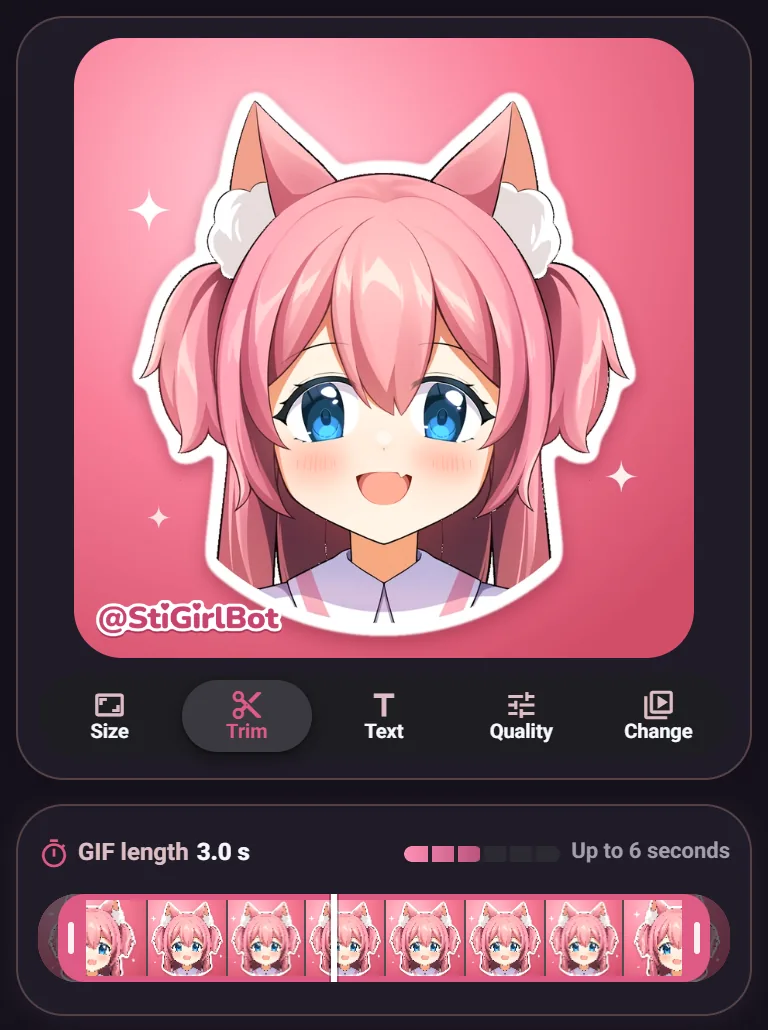
Set the GIF's shape, text and file size with “Size”, “Text” and “Quality”.
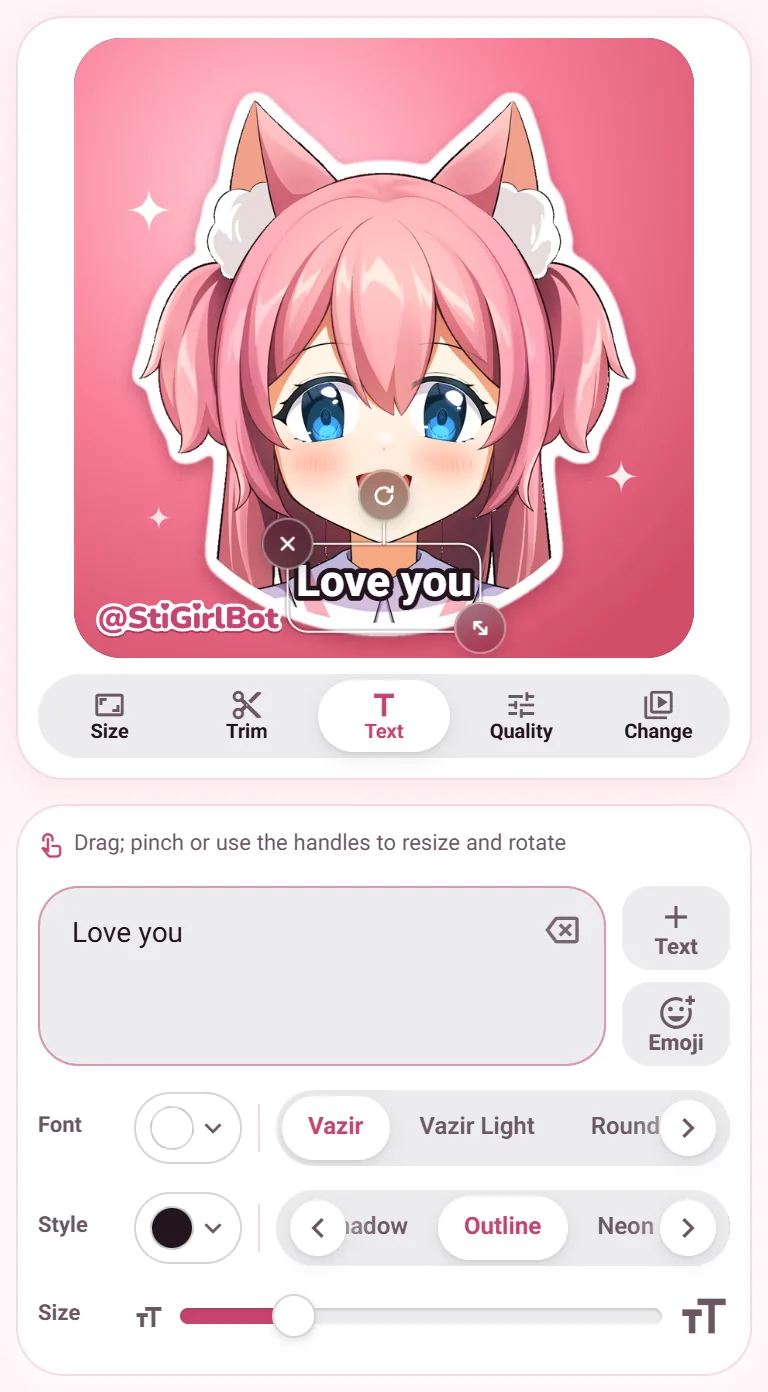
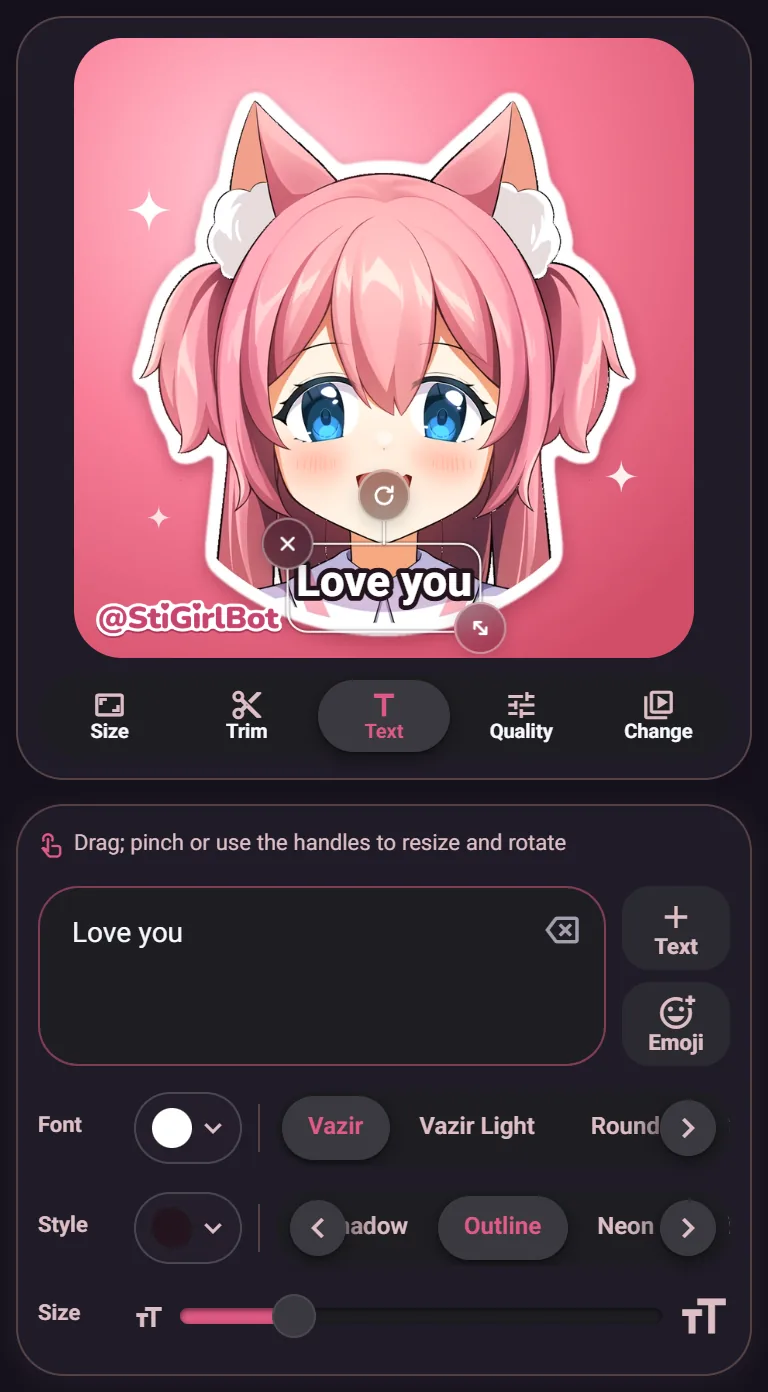
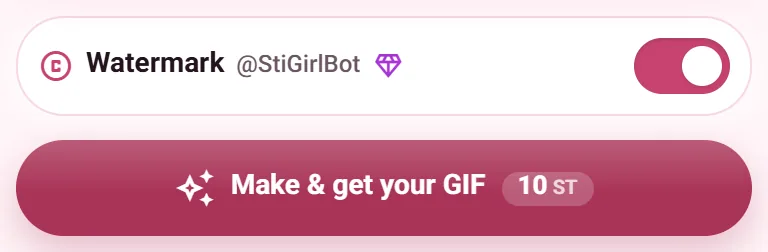
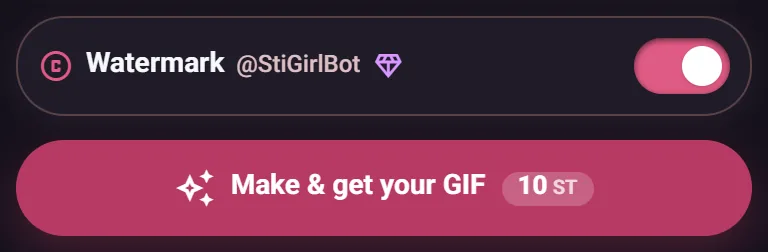
Tap “Make & get your GIF”; the GIF arrives in the bot's chat. Its cost is written right on that button.
My packs
Make a pack, fill it and install it in Telegram
Your packs sit below Sticker Studio and GIF Studio; “New pack” makes a fresh one.
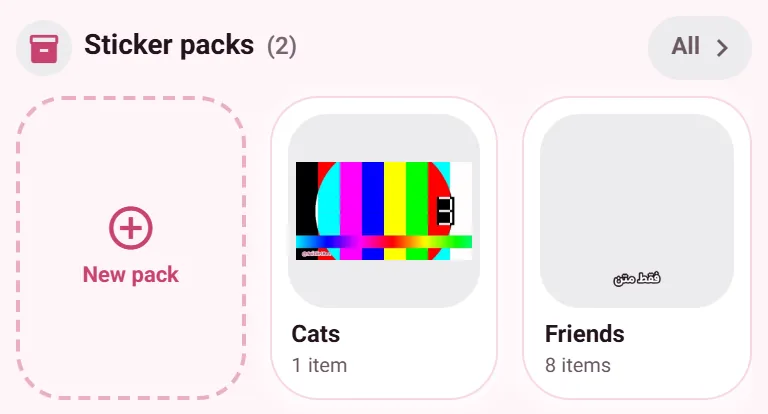
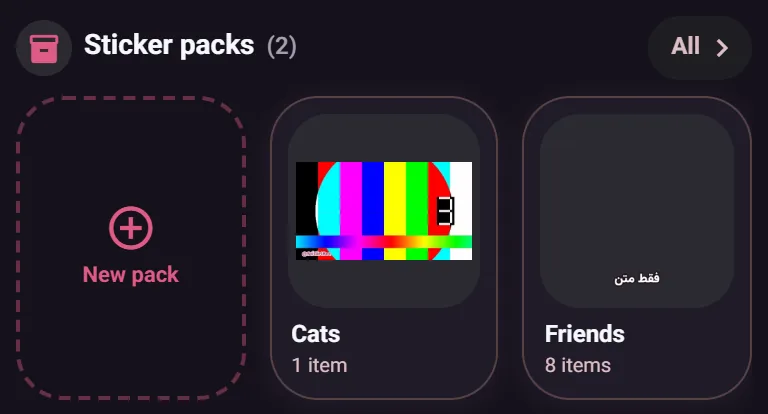
After making a sticker, tap “Add to Telegram”, and for a GIF tap “Add to a pack”, then choose the pack.
Tap any pack to see “Open in Telegram”, add, share, rename or delete it.
Pack tools
Emoji and keywords, pack icon, replace
Tap a sticker inside your pack; Emoji & words, Pack icon, Save to phone, Replace and Remove from pack appear.
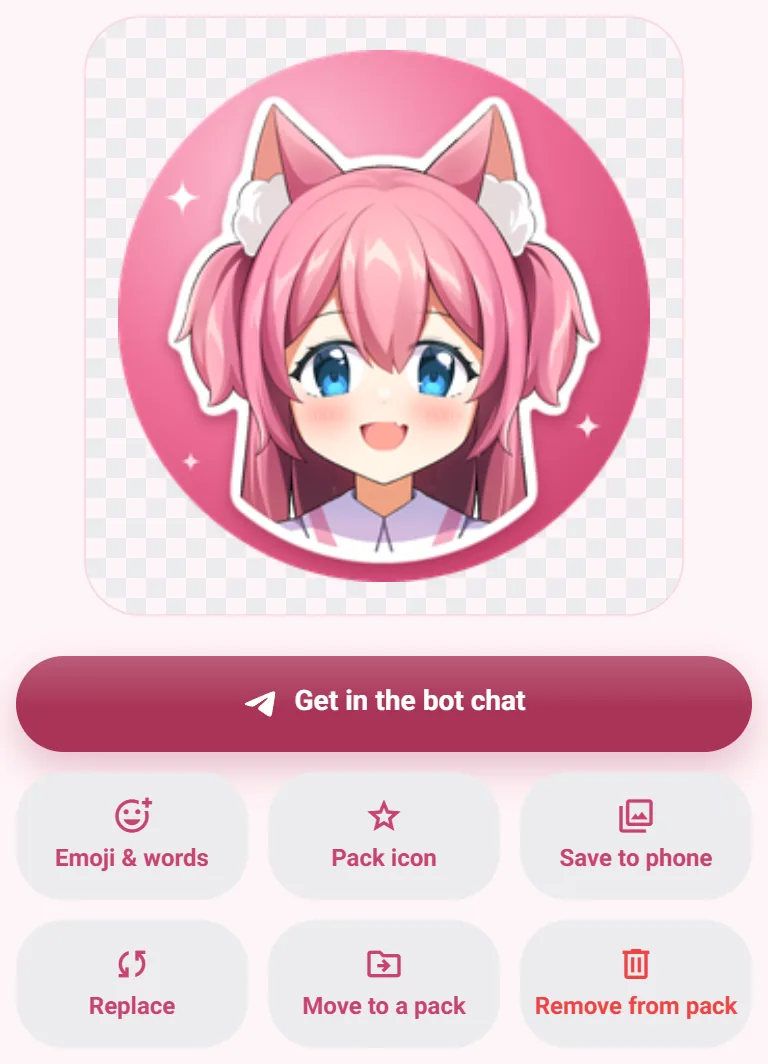
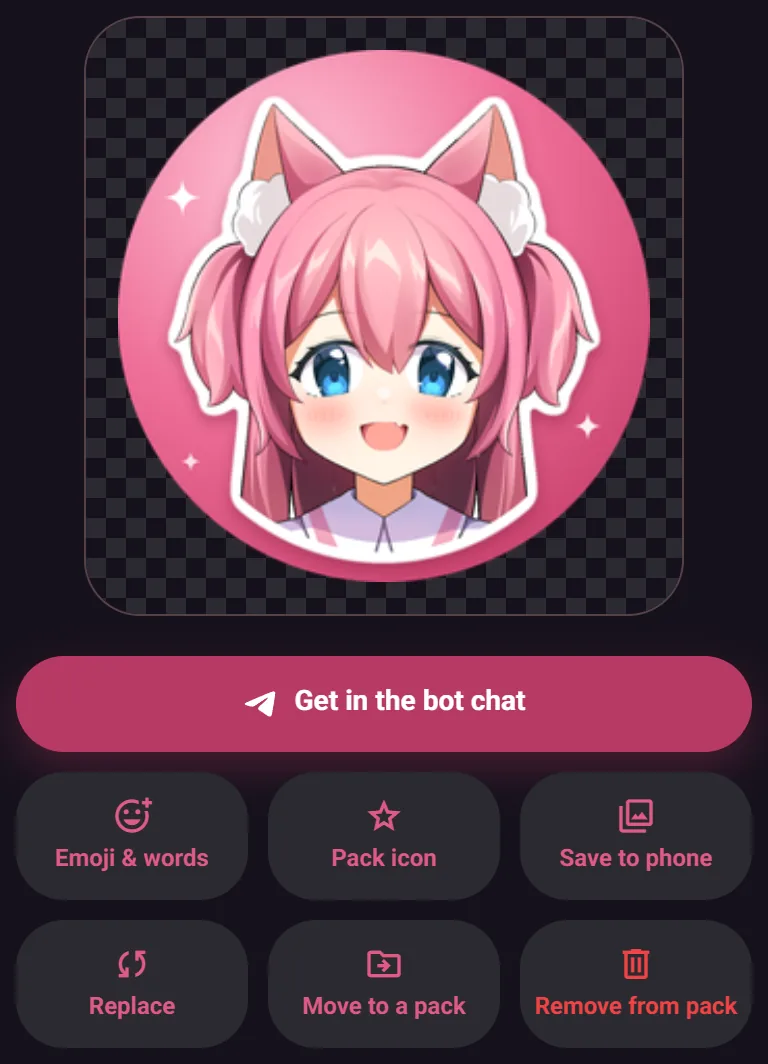
“Emoji & words” changes the sticker's emoji and the words it's found by in Telegram search.
“Pack icon” makes this very sticker the pack's picture in Telegram's sticker list.
“Replace” puts a new photo or sticker exactly where this one sits; the pack's order stays untouched.
When a pack reaches 120 stickers, it will tell you to start a new one.
Super pack and Super emoji
Premium only; copy and merge packs, emoji packs
In Sticker Studio, tap “New pack” and choose “Super pack”.
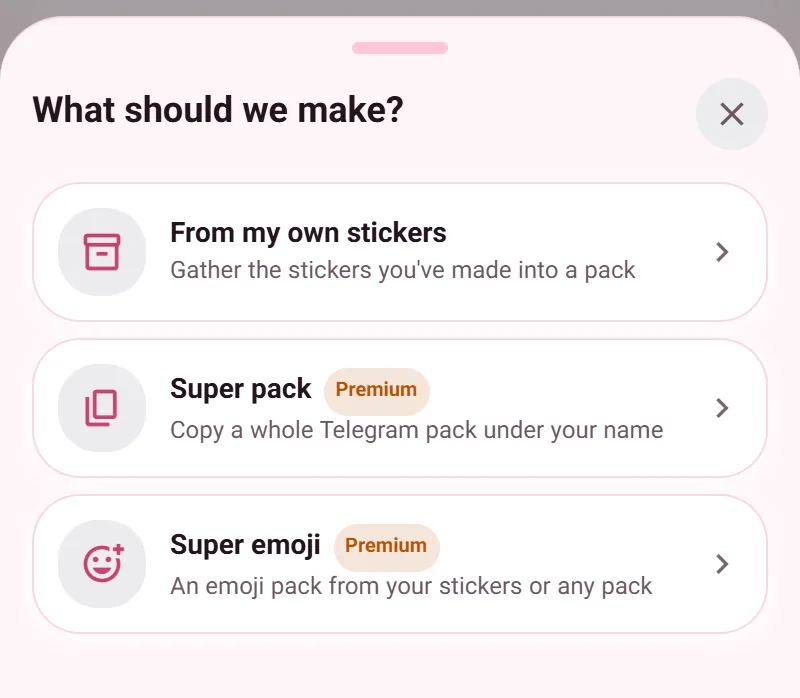
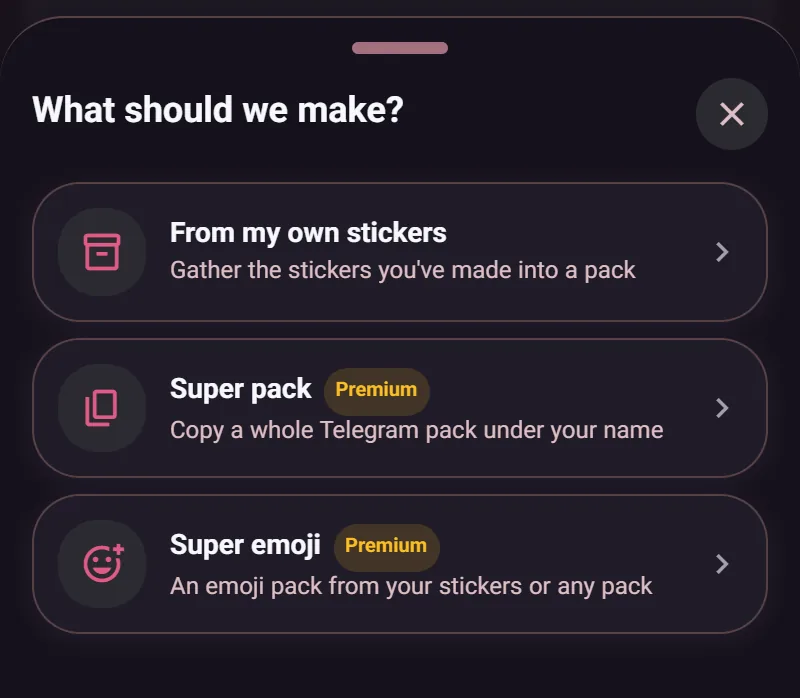
Paste the link of a Telegram pack, or select up to 10 packs (links or your own), and they gather in the same order into one new pack under your name (up to 120 stickers).
Or send a sticker to the @StiGirlBot bot and tap the “Super pack” button under it.
“Super emoji” builds a custom emoji pack from a pack's link or your own stickers.
Each one runs 3 times a day; the build is queued, and the bot lets you know when it's ready.
Ready-made packs
Grab gallery packs with one tap
In “Home”, browse between the categories. Tap a pack's picture to see all of its stickers; the Telegram button beside it adds the pack directly.
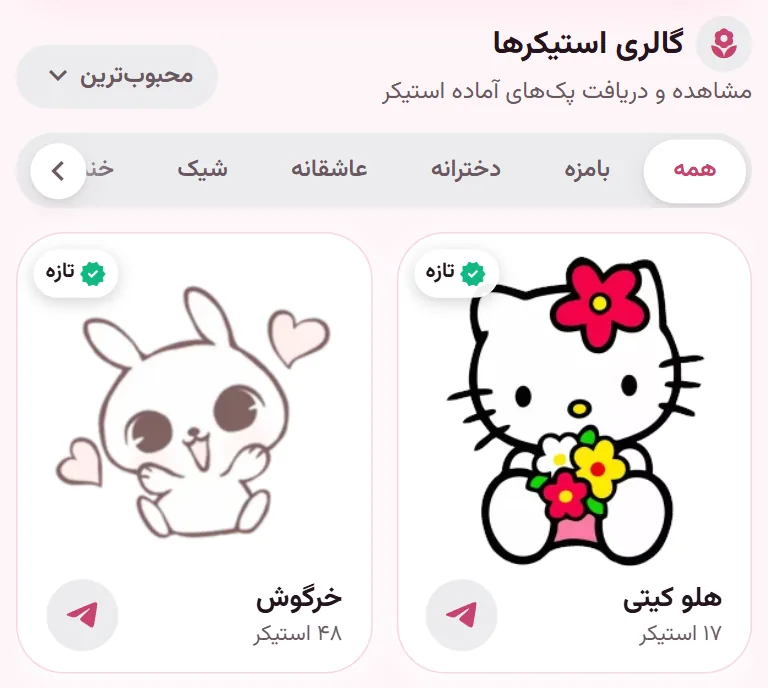
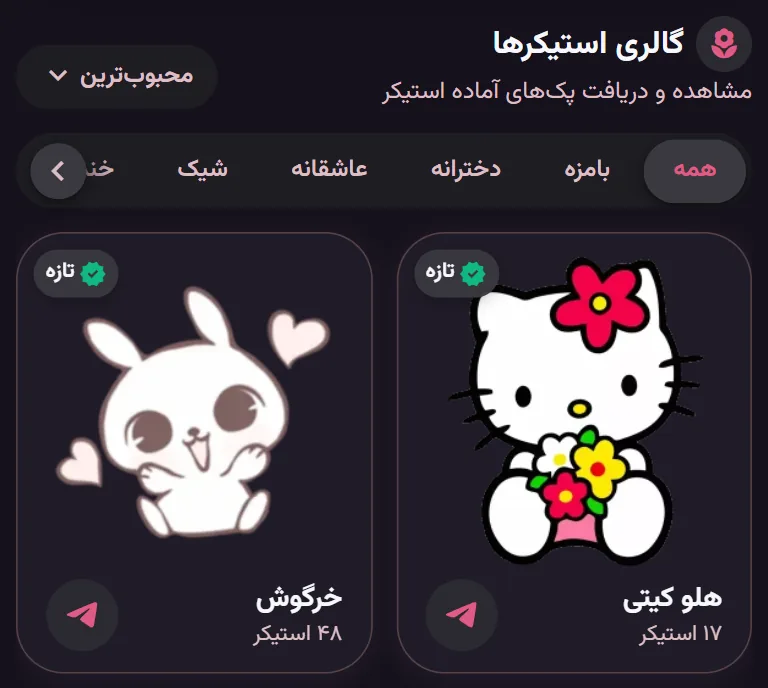
In the opened pack, tap a sticker or GIF to have just that one sent to you in the bot's chat.
Paid packs and listing packs in the gallery
Telegram Stars, ST, and free with Premium
Some “Home” packs have a price: StiGirl packs are paid with Telegram Stars and user packs with ST; the price is written under the pack's name.
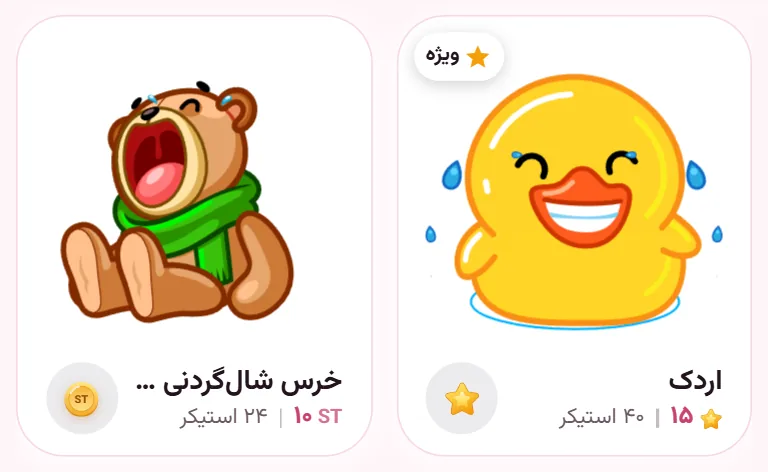
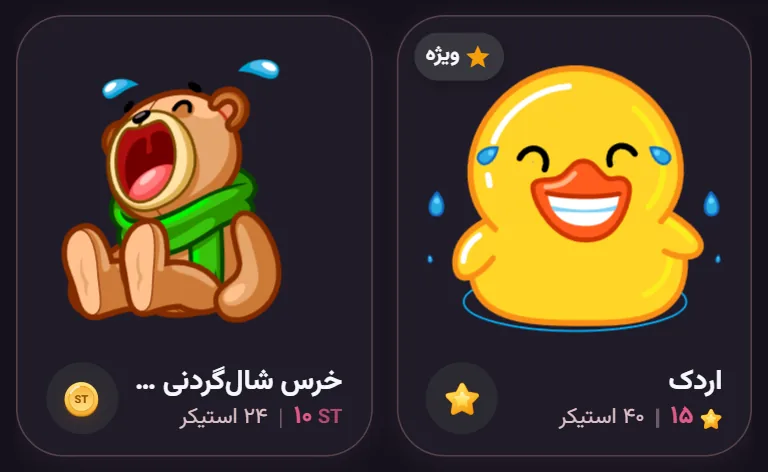
Tap the pack and hit “Buy the pack”; from then on it adds to your Telegram with one tap, like any other pack.
With Premium, all of these packs are free for you.
List your own pack in the gallery: in your pack's sheet, open the “Sell in the StiGirl gallery” card, set an ST price and tap “Send for review”. After approval, every time someone takes your pack, the ST comes to you.
ST only pays for free use of the bot's features, like GIFs and animated stickers.
Add a pack you made somewhere else from “My Telegram packs” so it can appear in the gallery too.
Fancy text
Names and text in special fonts
Type your name or text (Persian or English); every style is built right below it. Tap any style to copy it.
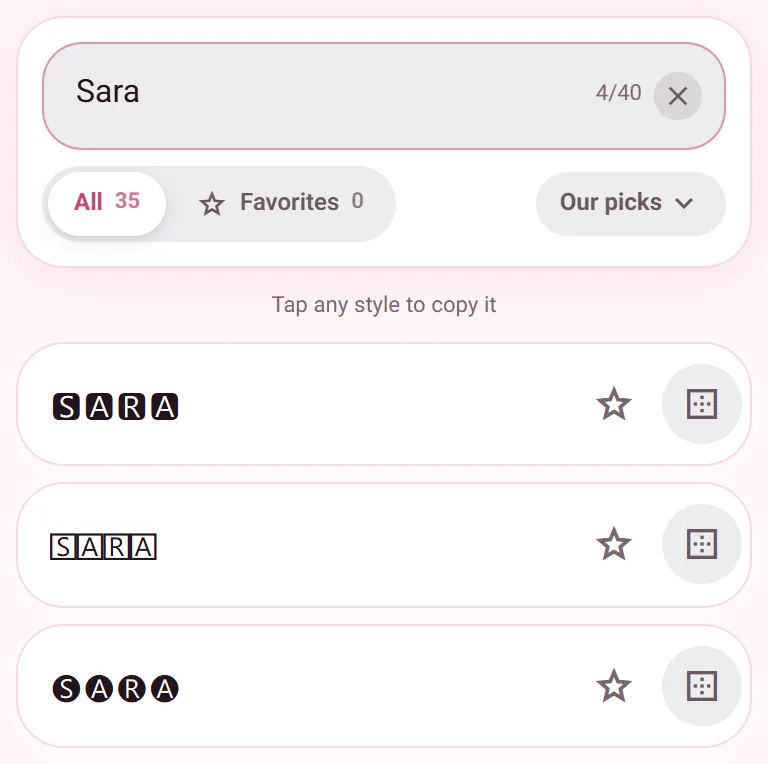
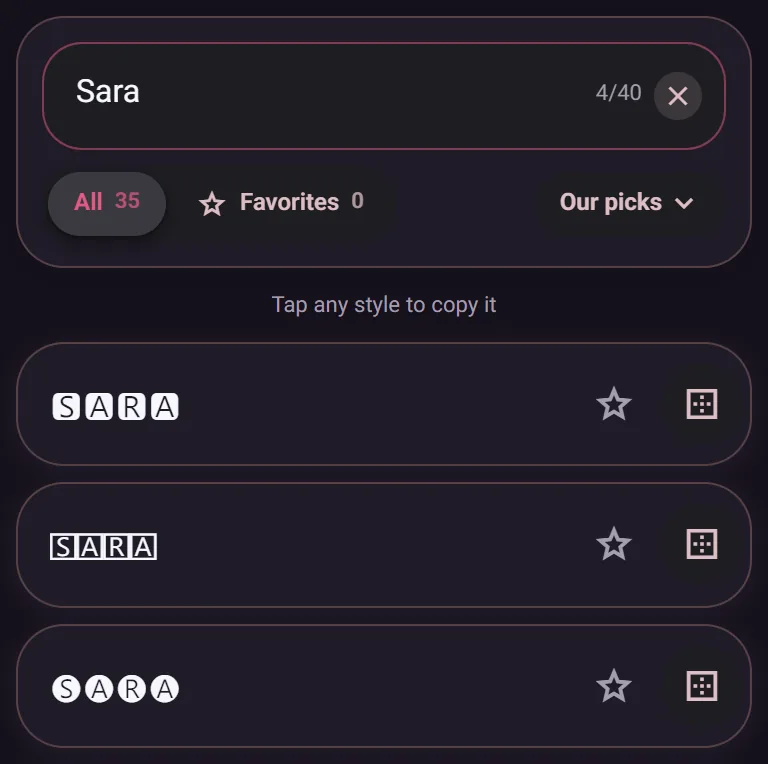
The star beside each style keeps it at the top of the list; the button next to it adds a border and sends it straight into the chat.
Without opening the app: in any Telegram chat, type @StiGirlBot and then your text, and the styles appear right there.
ST, invites and Premium
Earning and spending ST, the special subscription
You earn 1ST for every sticker you make (up to 10ST a day).
Without Premium, GIFs, writing on GIFs, animated stickers, pack making and user packs are paid for with ST; the cost is written right on the button.
From “Profile”, invite a friend; when they make their first sticker, you both get 5ST as a gift.
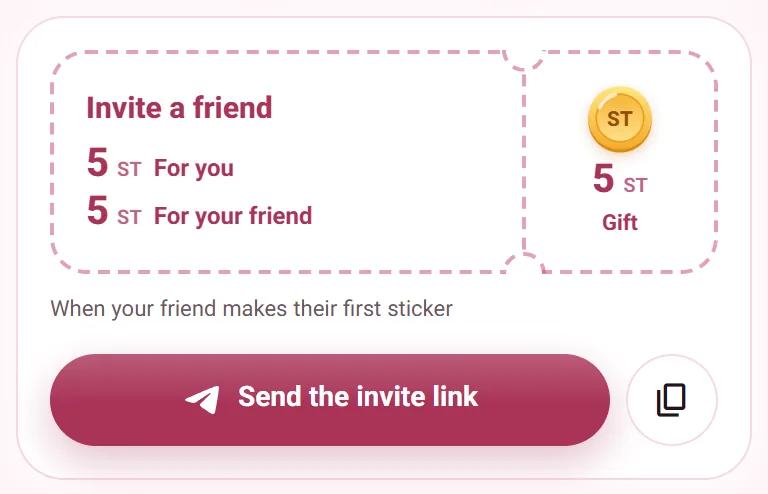
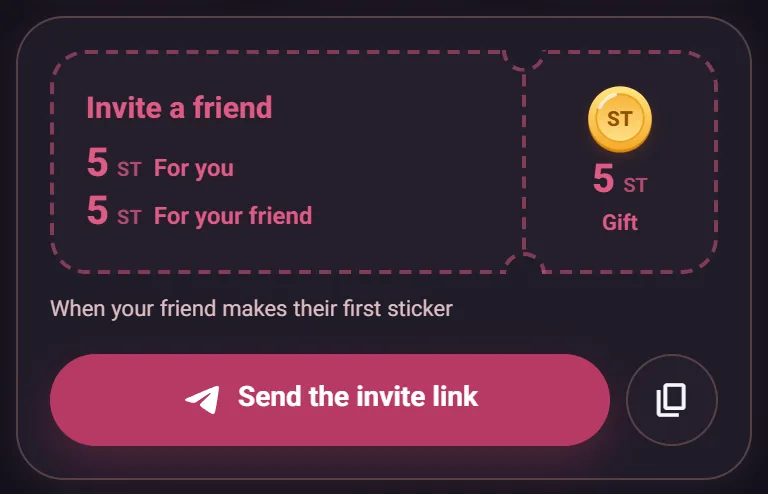
Join the StiGirl channel and get a one-time gift of 5ST; and if you list your pack in the gallery, you collect ST every time it's taken.
Premium: free GIFs and packs, animated stickers, Super pack and Super emoji, free gallery packs, a daily creation limit several times higher, no watermark, custom name and photo; buy it with Telegram Stars from “Profile”.
Profile and settings
Theme, notifications, name and photo
In “Profile”, set the theme to day, night or like your phone (system), and turn the bot's notifications on or off.
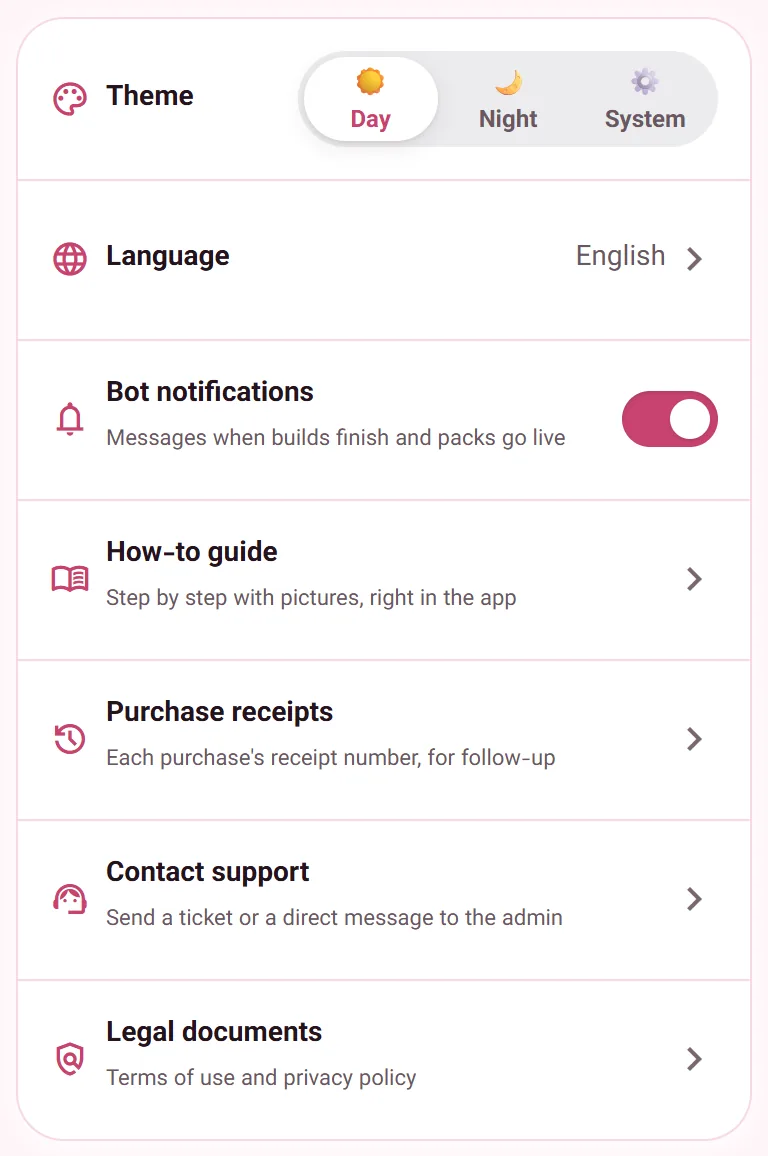
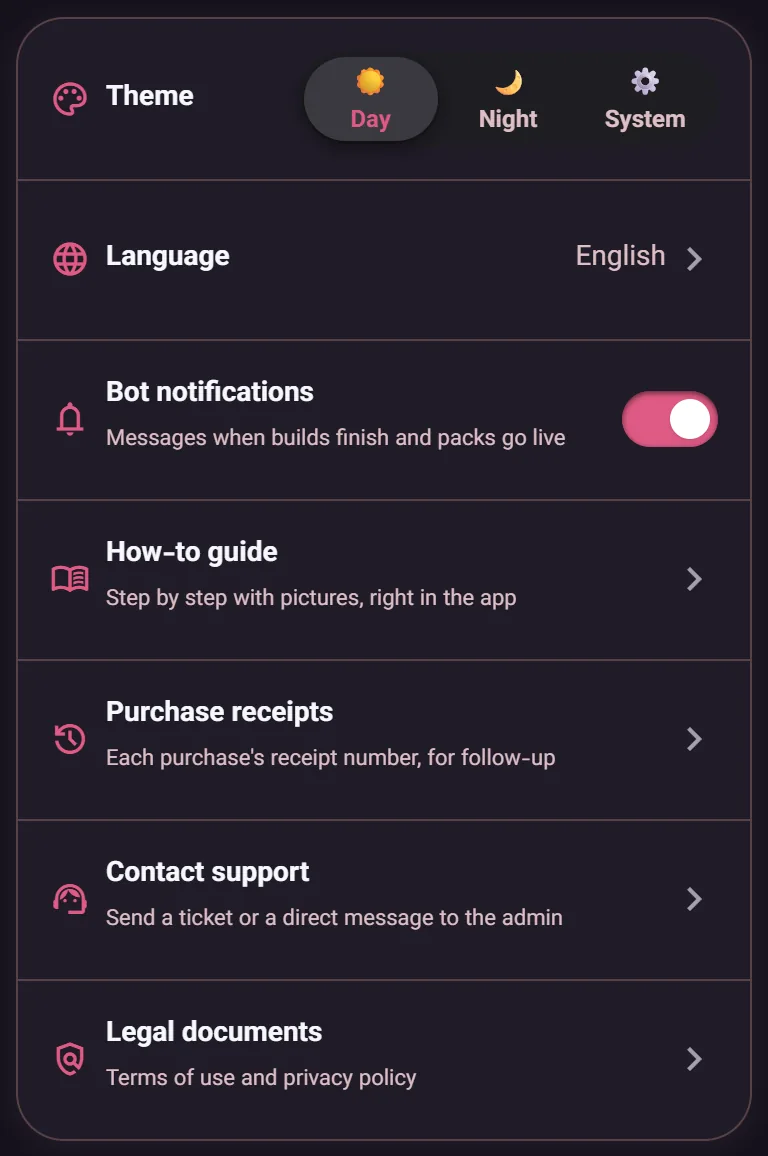
Use the pencil beside your name to change your name and profile photo; a custom name and photo are Premium features.